Give prospects a way to try your coaching before they decide whether to work with you.
Someone downloads your guide, skims page one and saves it for later. ‘Later’ is doing a lot of work there. You’ve added someone to your email list, but they still don’t know what you’d say about the thing they’re stuck on.
An interactive AI lead magnet gives them a way to find out. They can bring a problem they’re working on and get help that takes their situation into account. If they’re chatting with an AI version of you, they also get a feel for how you coach. That’s a reason to keep listening, even if they’re months away from booking a call. Here’s how to create an AI lead magnet and give the right people a reason to try it.
A lead magnet is something useful you give away in exchange for someone’s contact details, usually their email address. It might be a guide, a checklist or a free workshop.
An AI lead magnet is interactive. Someone brings a question, answers a few prompts or enters their numbers, and gets a response or result that’s relevant to them. You can use AI to build the tool by describing what you want it to do, which is often called vibe coding. You can also use AI in the experience itself, as you would with an AI version of you that people can chat with. A PDF written by AI is still a PDF. It can’t ask a follow-up question.
Here are three examples of AI lead magnets:
An AI version of you that talks through a problem with a prospect using your coaching approach.
A calculator that shows a business owner how much of their week goes on work they could hand over.
A scorecard that asks a few questions, puts the person in a category and explains what their result means.
A good guide can teach someone your method. An interactive lead magnet can help them use it while the problem is still in front of them.
| Traditional PDF lead magnet | Interactive AI lead magnet | |
|---|---|---|
| First impression | Easy to make, which is why your prospects have seen so many. Yours might be excellent. It still looks like another PDF. | A tool built around your method gives people something they can’t get from another download. |
| What they get | Everyone gets the same advice and has to work out what applies to them. | They get a useful result straight away, based on what they tell it. |
| What happens if they get stuck | The guide can’t answer back. | An AI version of you can ask a follow-up and adjust its advice when someone says, ‘I’ve already tried that.’ |
| Keeping it current | You can update the guide, but people may still be using the copy they downloaded two years ago. | You still have to update the material. The next person who uses it gets the current version. |
The bigger payoff is what happens after the sign-up. When someone gets useful help from an AI version of you, they get a feel for how you coach. They might not book a call for months. When they’re ready, they already know something about how you work and have a better idea of what they want to talk about.
An AI lead magnet gives people a reason to join your list. If the conversation helps them with something they’re dealing with right now, they also get a feel for how you work. When they’re ready to hire a coach, they have a reason to come back to you.
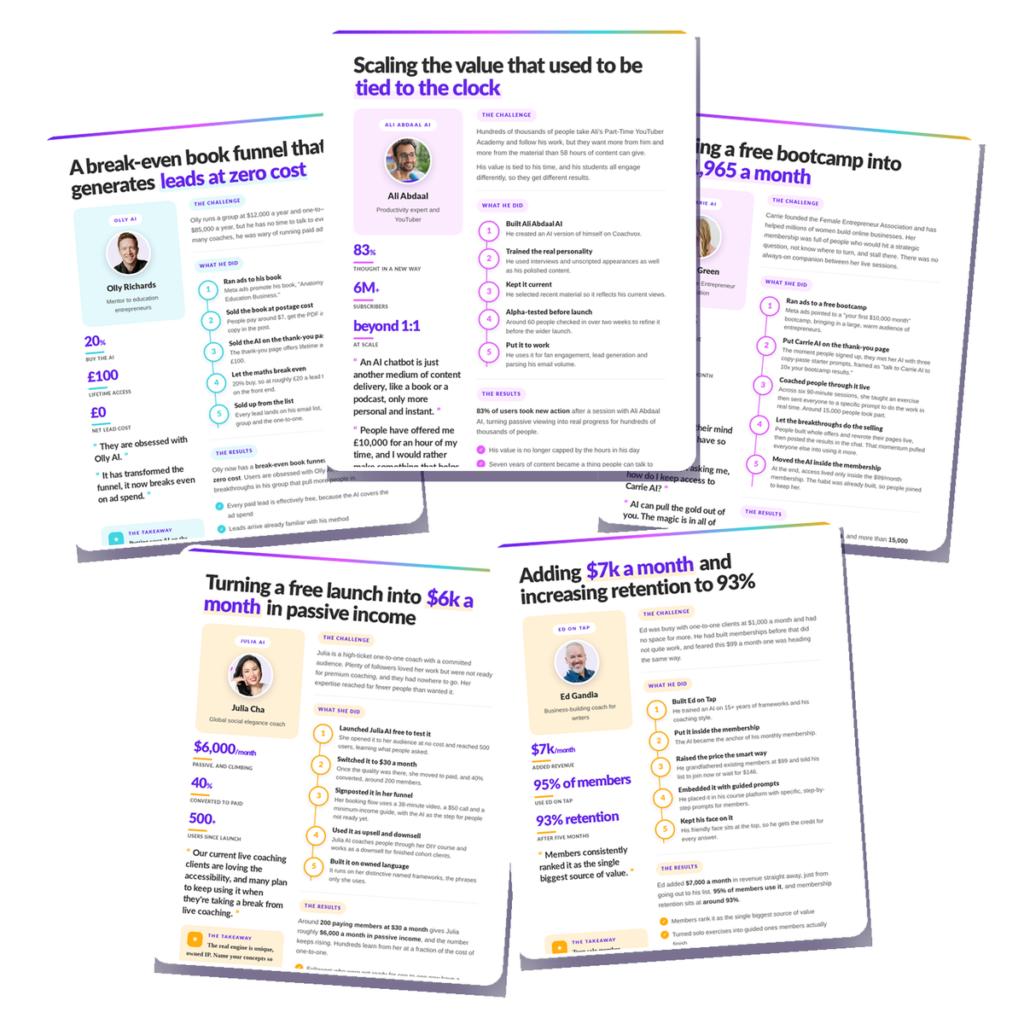
Damian shared his AI in two LinkedIn posts. People who already knew his work could bring a question and try his approach for themselves. His AI had 100 conversations in eight days, and two discovery sessions were booked within a week.
Marion used her AI later in the process. Her team was spending the first part of discovery calls explaining what somatic therapy was, so she asked people to chat with Marion AI before booking. She reported that prospects arrived better informed and more ready to get started.
You don’t have to make the chat a condition of booking. Someone might join your list today and only think about hiring you months from now. By then, they’ve already had a chance to see what your approach is like when it’s applied to their situation.
If you haven’t built yours yet, start with our guide to creating an AI coach. Once it’s ready, you need a good answer to one question. Why would someone give you their email address to chat with it?
“Chat with my AI” tells people what to click. Give them a reason to click it. Tell them who it’s for, what they can bring to the conversation and what they’ll get out of it.
If you help agency owners step out of client delivery, for example, try something like “Tell my AI what still lands on your desk. It’ll help you work out what to hand over first.” That gives someone a way into the conversation. They can still ask your AI about the rest of your work.
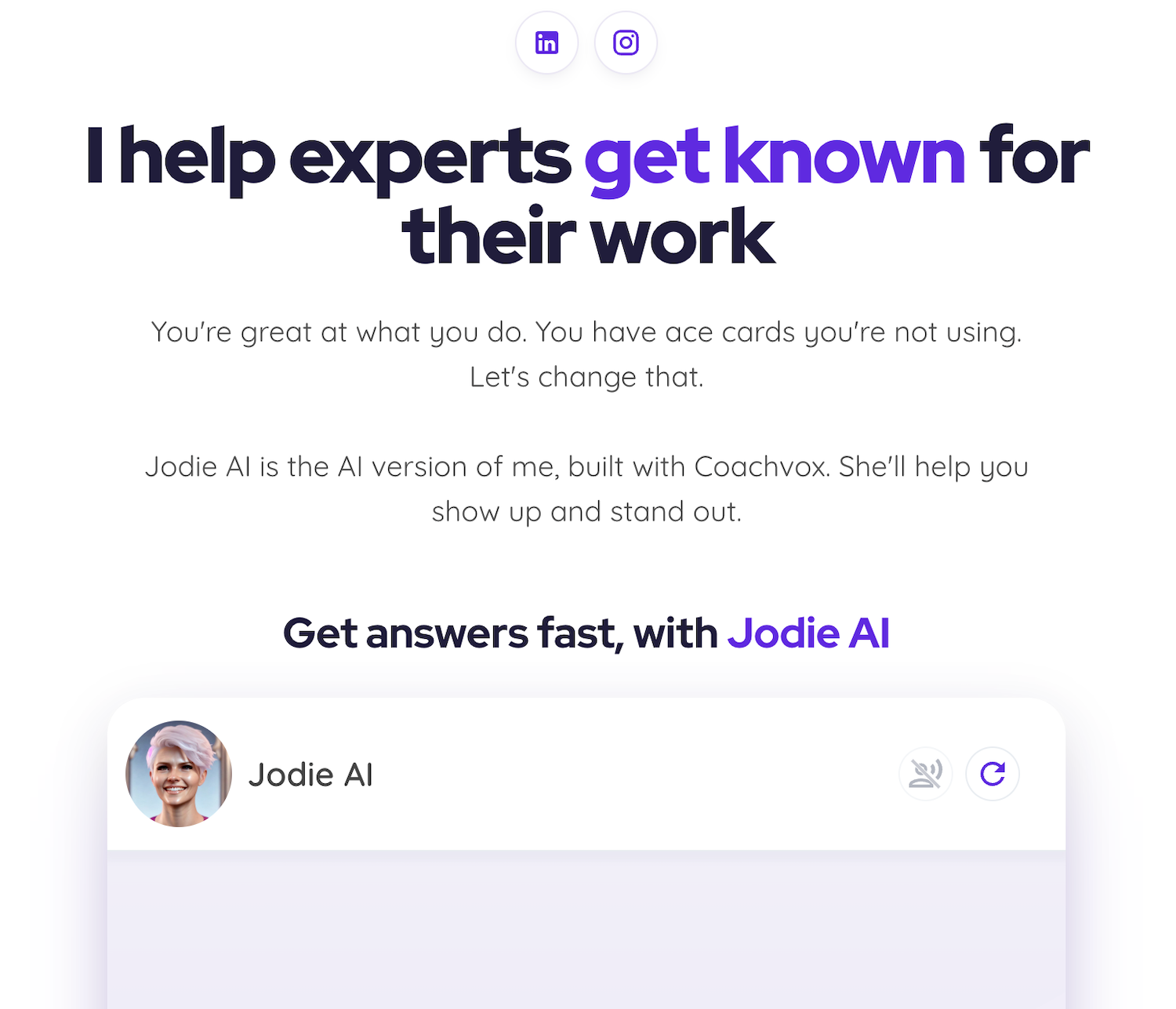
Use your Coachvox share page to introduce your AI, explain why it’s worth a chat and give people a few questions to start with. Share the link in your newsletter or LinkedIn profile, or embed the chat on a relevant page of your website. If someone’s just read your article on delegation, that’s a good moment to give them a way to apply it. There are more ideas in our guide to promoting your lead magnet.
Coachvox asks for a first name and email address at the start of the first chat. Keep any extra fields to what you’ll actually use. You can ask for a phone number. Do you need it?
New contacts appear on your Clients screen. You can use Zapier to pass their details to your CRM or email platform, and invite people who opt in to hear more from you.
If someone looks like a good fit, read the chat and write to them yourself. An email with a relevant resource or a useful question picks up where the chat left off. A calendar link on its own asks them to make a decision they might be nowhere near making.
Track how many people sign up, how many fit the kind of client you want to work with and how many go on to book a call. Those numbers tell you different things. A growing list is useful. A growing list of people who already understand how you work is better.
With Coachvox, you’ll have a first version of your AI to chat with after about 10 minutes of onboarding. Use the two-week free trial to add your content, share your AI with a few people who already know your work and see what they ask. Their questions will give you a better idea of what to promise when you share it more widely.
If you get stuck setting it up or working out how to introduce it, we’re on hand to help.
You can try an AI lead magnet without rebuilding your website or retiring the resources that already bring you leads. Here’s how to fit it into what you have.
No. Coachvox gives you a share page with its own link, so people can chat with your AI without going through your website. Put the link in your social profile, a newsletter or your podcast show notes. Give people a reason to try it wherever you share it.
Yes. Keep the resource that’s already working and give people a way to use it. Add a link in your guide or webinar follow-up so they can ask your AI how to apply what they’ve just learnt to their own situation. If they’ve already joined your list, the chat gives them another way to get to know your approach.
Start with the questions people ask before they hire you and the material that shows how you answer them. Your frameworks, workshop transcripts and articles are useful when they explain how you’d think through a real situation. If you promise people help with a particular problem, make sure your AI has enough of your thinking on that topic to make good on it.
Yes. Connect Coachvox to your email platform or CRM through Zapier to pass contact details across automatically. Coachvox also lets you add a marketing opt-in to your AI’s sign-up screen, so people can choose whether they want to hear more from you.
Look at who signs up and what they ask. If people see the invitation but few start a chat, make the benefit clearer. If they sign up but the conversations rarely relate to what you sell, check who’s seeing the invitation and what it promises. Track enquiries and discovery calls over time. Someone who found the chat useful today may not need your coaching until much later.