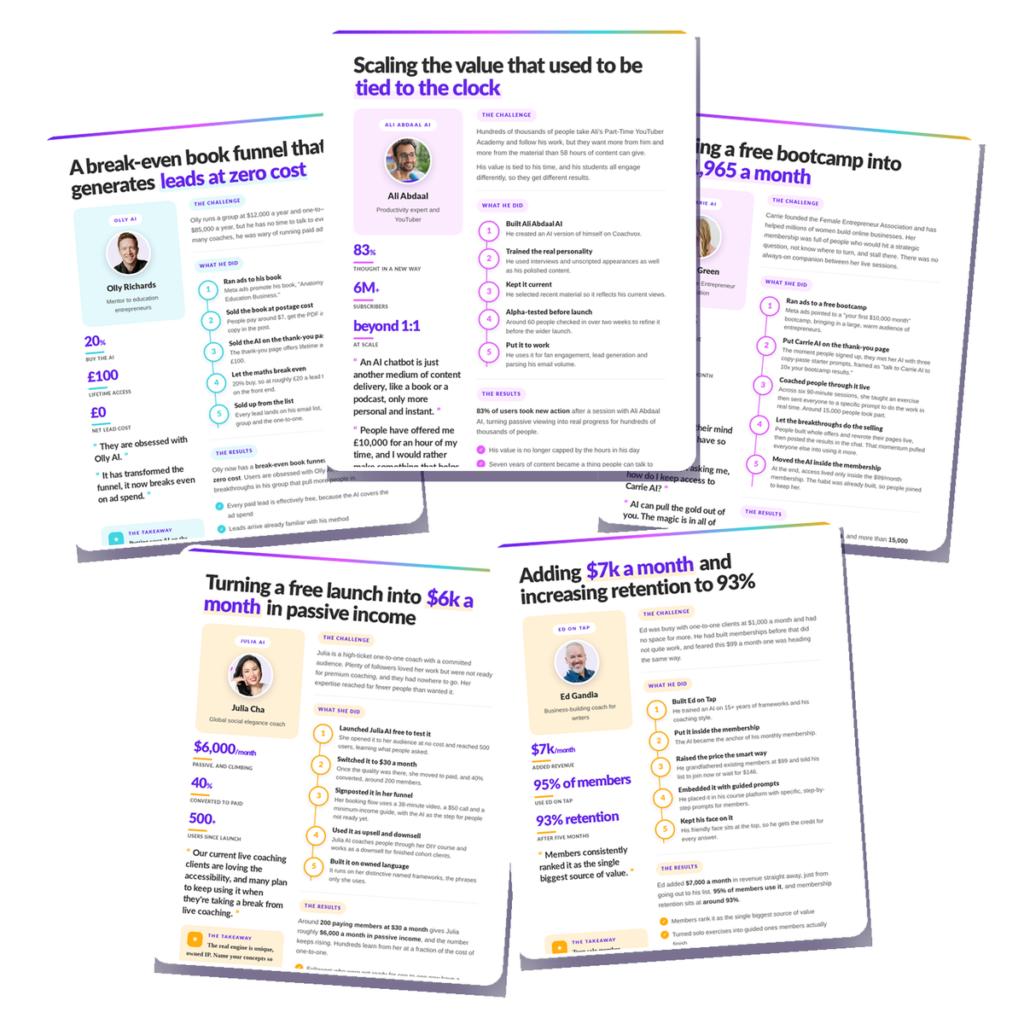
Build an AI version of you that prospects can try and clients can turn to between sessions
Someone can follow your work for years and still wonder, ‘What would you do in my shoes?’ An AI version of you gives them a way to ask. You could put it on your website so prospects can try your approach before they book, include it in a coaching programme or even sell access to it as a product of its own.
With Coachvox, you can build an AI coach that draws on your content and uses your coaching method, without writing a line of code. Answer a few questions and link your website, and you’ll have a first version to work with in about 10 minutes. Here’s how to get it from that first setup to something you’re ready to share.
Answer a few questions about what you do and link your website. Coachvox drafts your AI’s bio, tone of voice and coaching methodology for you to review. It also suggests a few conversation starters, creates some initial training data and picks up your branding where it can.
By the end of onboarding, you’ve got a first version to work with. Start your free trial and follow the steps as you go. Now give it more of what you know.
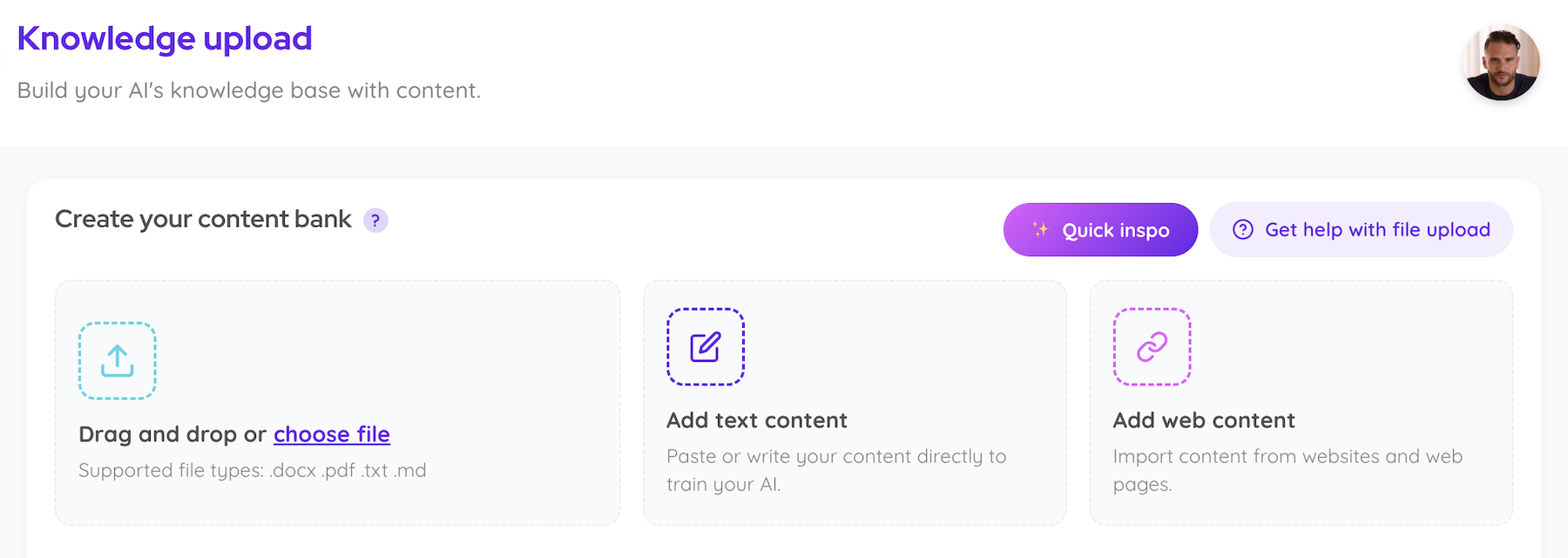
Start with the material you already use. Drag and drop your guides, frameworks or YouTube transcripts into Knowledge upload, or add links to public pages like your blog posts. If you work in Claude or ChatGPT, you can send selected material straight to Coachvox as training data using the MCP connector.
Cover the topics people come to you for. The article you’ve sent to a dozen clients is a good place to start. If there’s a question you answer every week and the answer only exists in your head, add that too.
Open Fine-tuning and ask your AI something a real prospect or client would ask. Keep the chat going for a few turns. A good first reply is one thing. How it responds when someone says ‘I’ve already tried that’ tells you more.
If a reply misses the point or gives advice you wouldn’t give, edit it and save the improved answer to your training data. If the answers are useful but the tone or approach feels off across several chats, go back to the personality or coaching methodology you reviewed during onboarding.
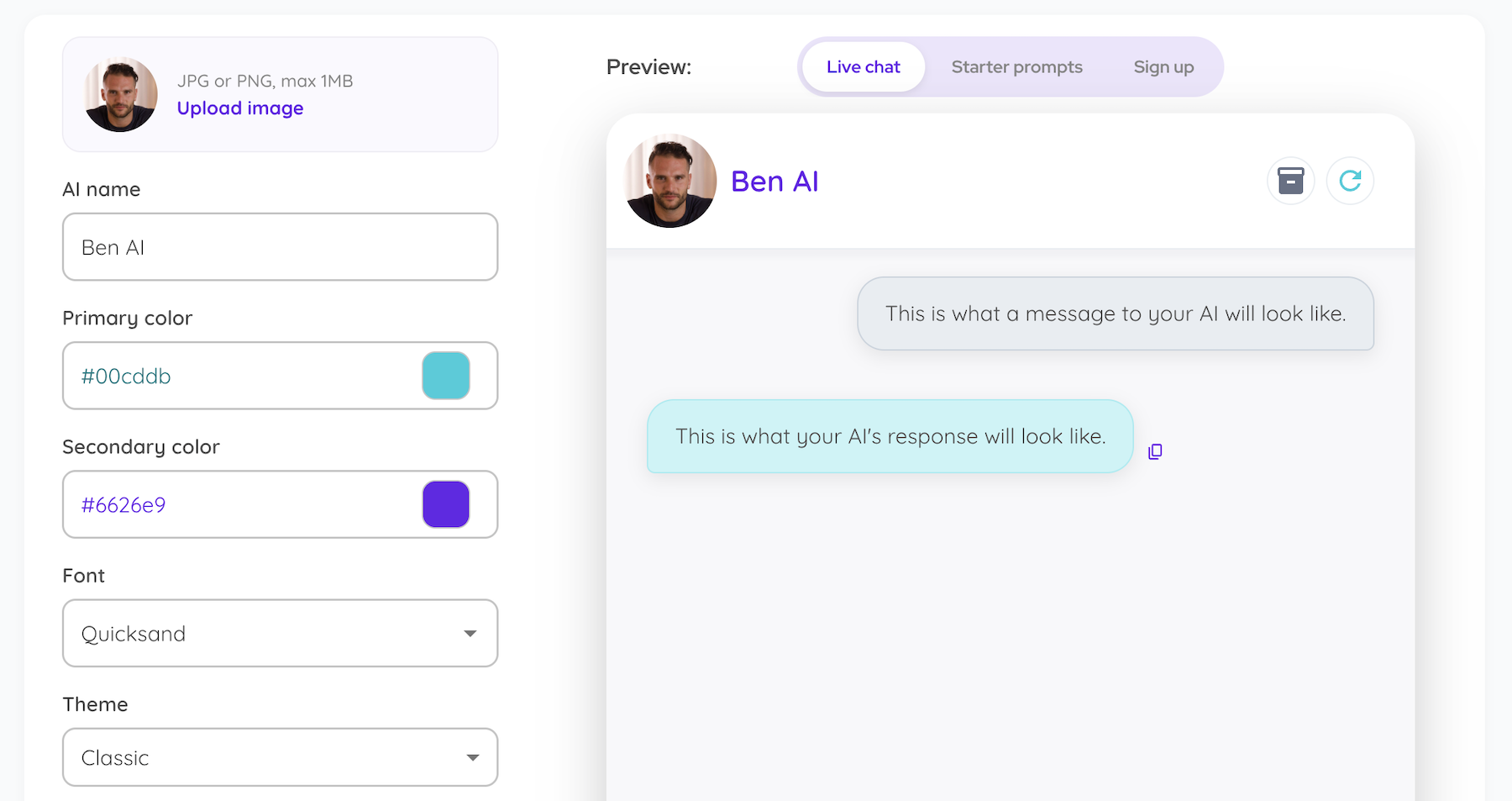
In Appearance, check your AI’s name, image and colours. Choose a font, theme and background pattern, then preview the chat to see what people will actually get.
When you’re ready to share it, set up your Coachvox share page, embed the chat on your website or send customers the link to your AI’s mobile app.
Once people start chatting, they’ll appear on your Clients screen, where you can see what they talked about. Connect Coachvox to your CRM or email platform through Zapier to pass on their details automatically. If a conversation warrants a personal follow-up, you can read what they asked and write to them yourself.
Where would a bit more access to you make a difference? Start there, then see how people use your AI before you decide what else to do with it.
If people visit your site and leave without enquiring, give them something to do while they’re there. An AI lead magnet lets them bring a problem they’re working on and see how you’d help them think it through. If you follow up, you’ve got something more useful to talk about than whether they read the PDF.
When a client gets stuck halfway through a worksheet, you get a ‘quick question’ that takes three more questions to answer. Fair enough. The worksheet can’t ask what they’ve already tried. Your AI can. Use it to support clients between sessions so they can keep working through your method without waiting for your next call.
Some people want to use your frameworks and get your take on a decision without signing up for one-to-one coaching. You can charge for access to your AI as a standalone offer. If you started by sharing it for free, look at what people come back to ask about. That tells you more about what’s worth charging for than the number of people who tried it once.
Start your free trial and you’ll have a first version of your AI to talk to in about 10 minutes. You’ve got two full weeks to add your best material, see how it handles the questions people bring you and share it with a few prospects or clients. See what they ask when you’re not in the room.
If you’re unsure what to add or a reply doesn’t sound like you, our team is on hand to help you get it right.
Here’s what to know about training your AI, sharing it privately and trying Coachvox before you commit.
Coachvox onboarding takes about 10 minutes and gives you a first version of your AI to chat with. How long it takes to get it ready to share depends on what you want it to cover, how much useful material you already have and how much you want to refine its replies.
Yes. Start with the questions you answer all the time and write down what you’d actually say. Workshop notes, newsletter articles and exercises you already use with clients are good starting points. If your method mostly lives in your head, talk through how you’d handle a typical situation and use the transcript.
Coachvox accepts PDF, Word (.docx), plain text and Markdown files. You can also paste text directly or add a link to a public web page, such as one of your blog posts. For videos and podcasts, upload or paste the transcript. A link to a YouTube video on its own won’t work.
Yes. Turn on Only my content in Coachvox if you want your AI to answer from your training data alone. If it doesn’t have enough relevant material, it’ll say so. With the setting off, your AI still draws on your training data and can use wider knowledge when someone asks about a topic you haven’t covered.
Yes. You can embed your AI chat on a page that only clients or members can access, such as a private area of your website or course platform that supports custom HTML. Coachvox also lets you restrict where the chat works to a specific domain.
Yes. You can add new material, update old answers and adjust your AI’s tone or coaching methodology after launch. When people keep asking a question you hadn’t thought to cover, add the answer you’d give them yourself. You don’t have to rebuild your AI every time you change your mind about something.
Yes. Coachvox offers a 14-day free trial so you can create an AI version of yourself and try it out. You’ll need to enter your card details when you sign up. You can see the price before starting your trial.